Turn the web into your podcast feed
Readio listens to any article for you. No account. No subscription. No cloud. Just paste a link, hit play, and keep living your life.
Download on the App StoreI read a lot online. Long essays, research papers, deep-dive blog posts I bookmarked and never got back to. I also spend a lot of time doing things where I can't look at a screen - commuting, cooking, walking, at the gym.
Every text-to-speech app I tried wanted a subscription, needed an account, shipped my articles to somebody's cloud TTS, or buried the one feature I cared about under three paywalls. Safari's "Listen to Page" works but has no queue, no playlists, no resume, no speed memory, and forgets everything the moment you close the tab.
So I built Readio - the app I wish had already existed. Articles, PDFs, EPUBs, RSS feeds - whatever you read, on whatever device you read it on, narrated by Apple's on-device speech engine. No backend. No account. No subscription.
Your articles, as a listening library
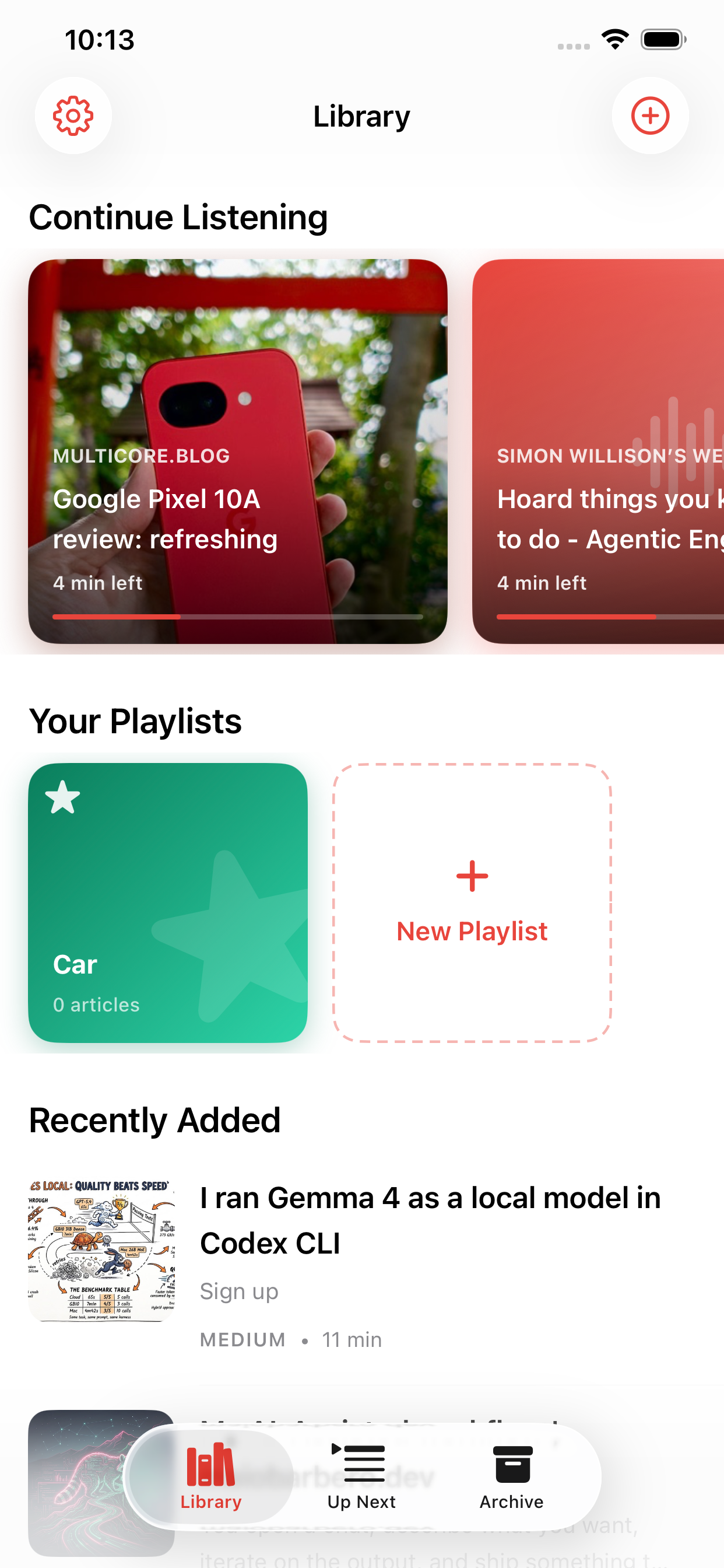
The home screen borrows from something that already works: Apple Music. Articles are tracks, playlists are playlists, and the stuff you added yesterday sits right where you'd expect "Recently Added" to sit.
No new mental model - you already know how this works. Swipe to delete, drag to reorder, tap to listen. That's it.
A Continue Listening carousel sits at the top and quietly remembers every article you started but didn't finish, so you never lose your place across long commutes, busy weeks, or accidental restarts.
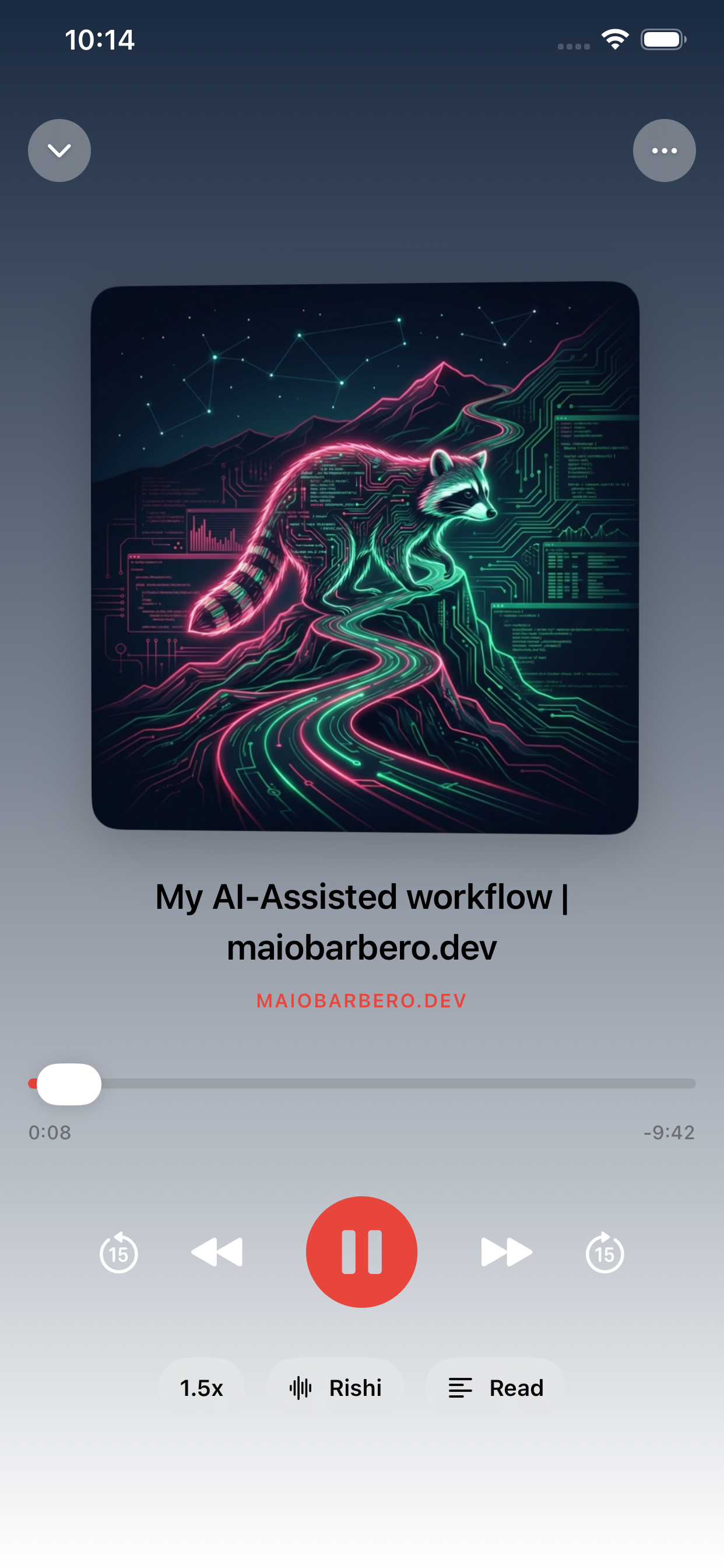
A player that respects the source
Big artwork pulled from the article's OG image. Title, source, scrubbable progress. Speed chip (0.5× through 2×), voice chip (pick any Siri voice - including the premium neural voices most apps hide), and a reader chip to flip to the text mid-listen.
Lock screen, Control Center, AirPods squeeze, CarPlay - everything just works, because Readio routes through the same MPNowPlayingInfoCenter plumbing Apple Music uses. Articles render to disk in the background so wireless playback in the car runs from a real audio file - none of the cold-start stutter most TTS apps have over Bluetooth.
Auto-advance works the way long-form audio should: let an article finish and the next one in your queue resumes from where you left it. Tap Skip Next when you want to start fresh. The two intents stay distinct - the way Overcast and Apple Podcasts handle it, not the way Music does.
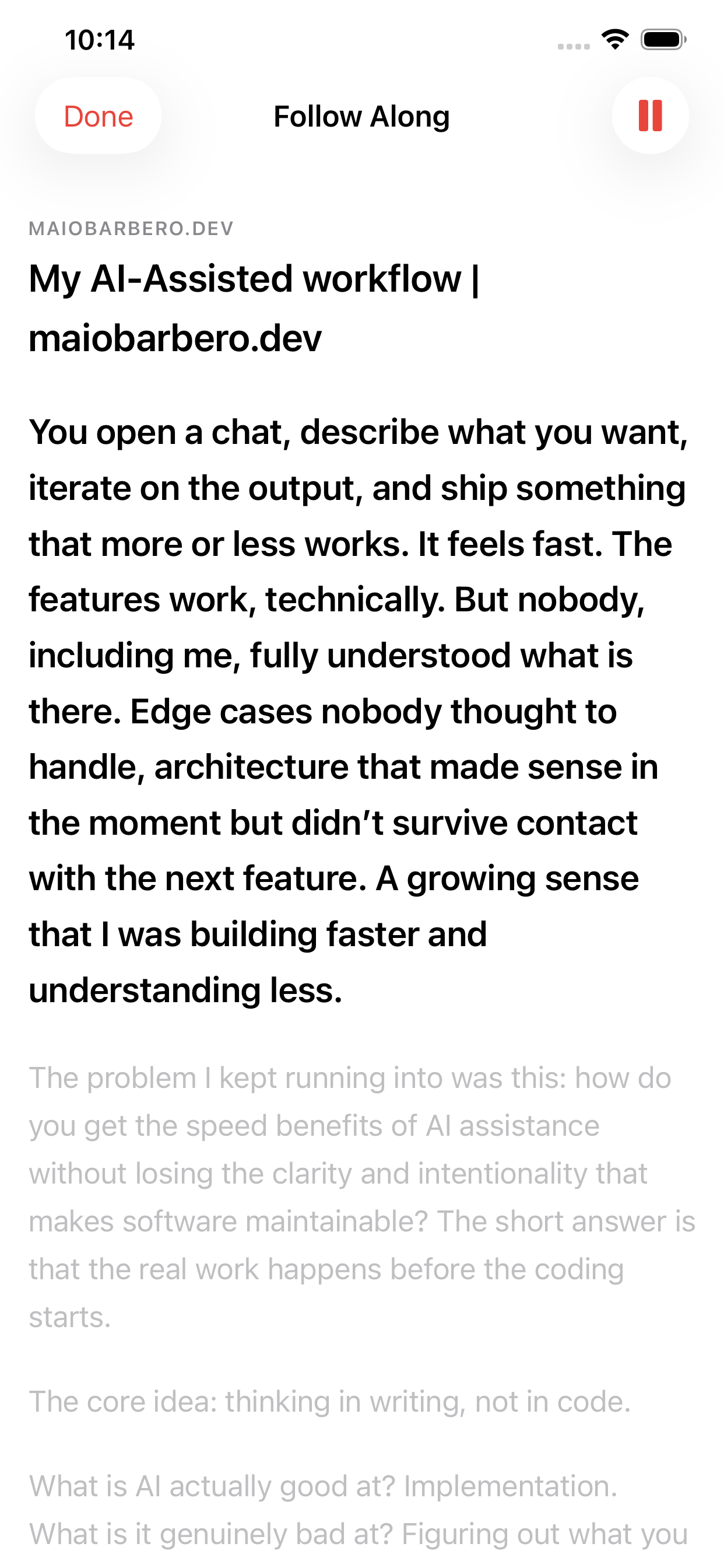
Karaoke for articles
Every sentence highlights as it's spoken. Glance down, find your place, keep going. Tap a line to jump there.
It's the same interaction Apple Music uses for lyrics, applied to prose - and once you have it, going back to a podcast app that can't do this feels broken.
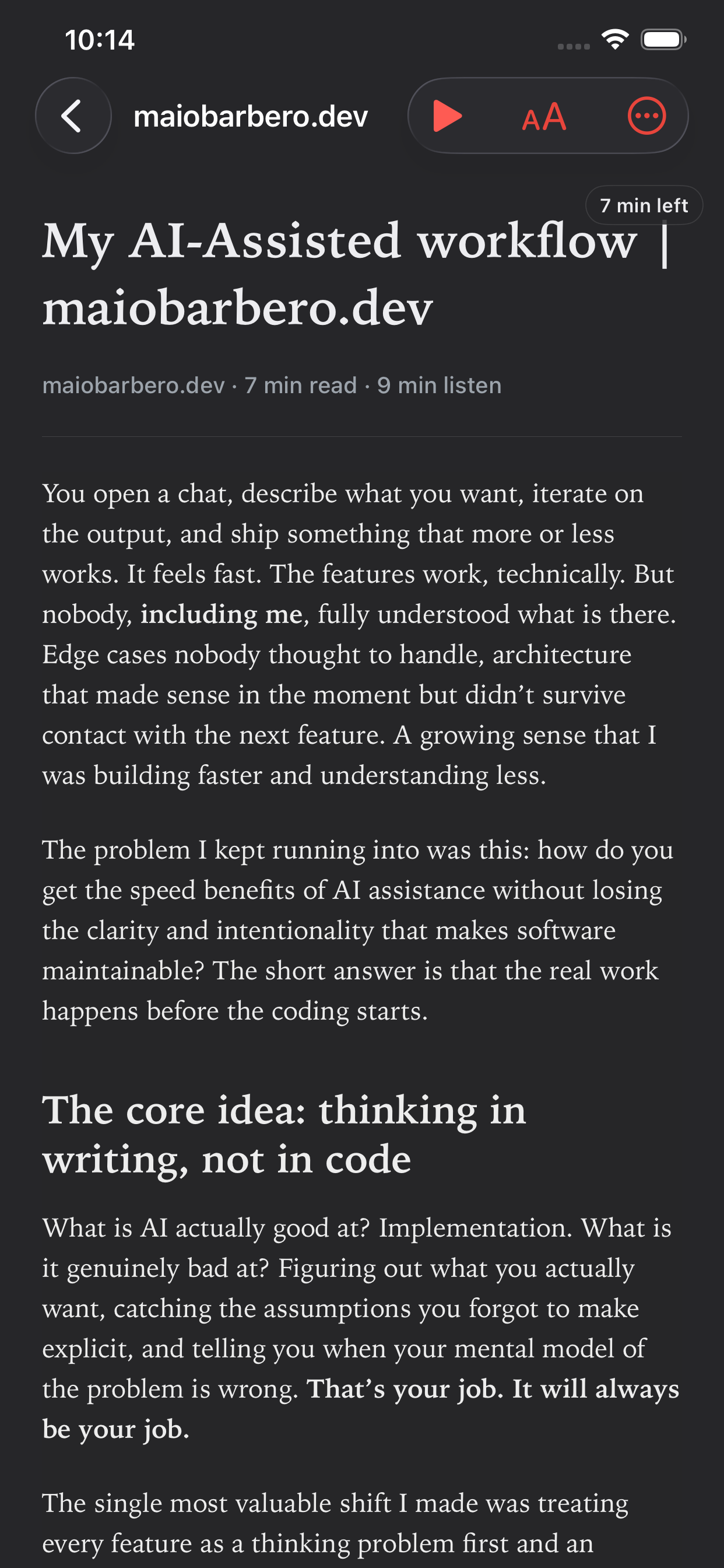
Clean text, when you want to read
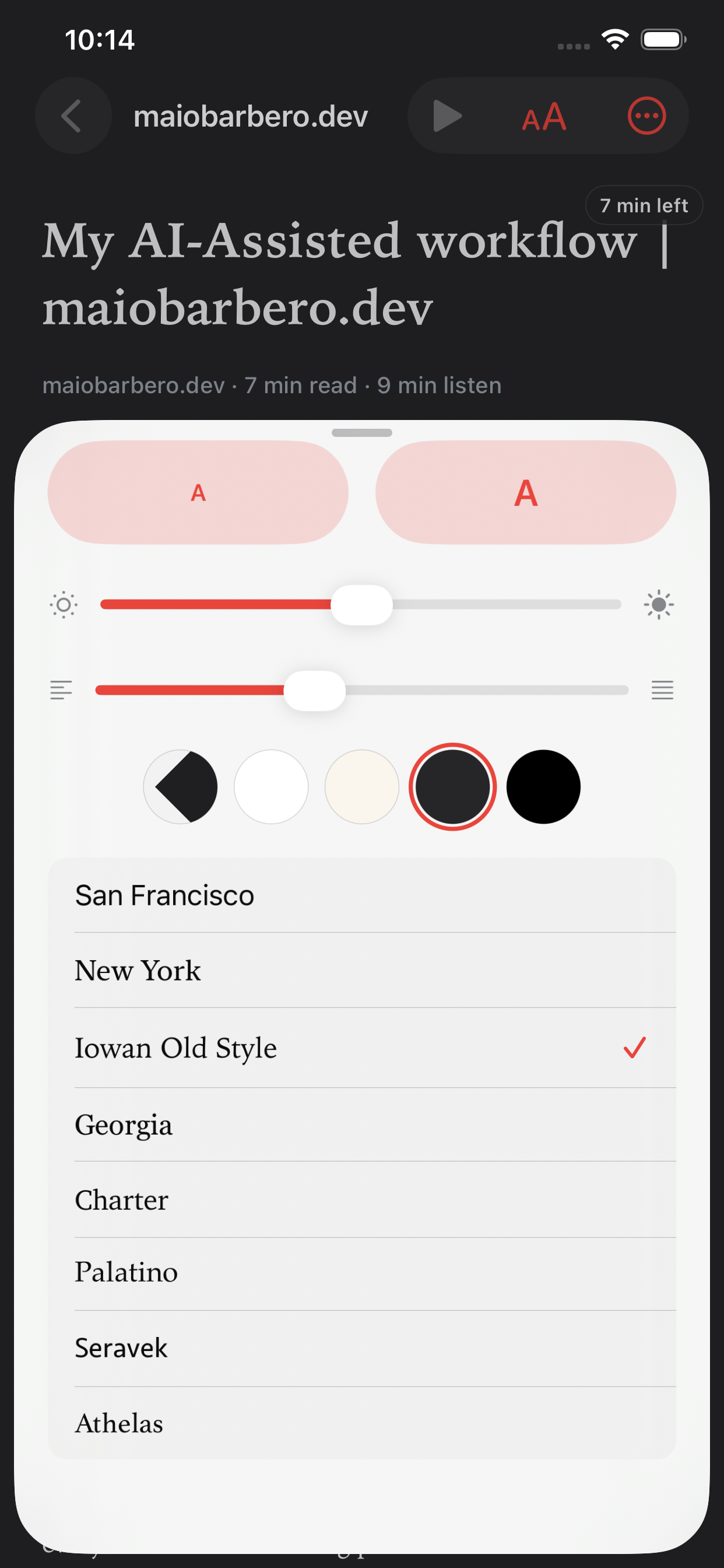
Sometimes you just want the clean text without the chrome, cookie banners, and newsletter modals. Readio parses articles with a Readability-style extractor the moment you add them, so the reader view is ready offline - with Dynamic Type, Dark Mode, and a few paper-inspired themes for eye comfort.
Listening and reading aren't separate modes. You can switch at any point and pick up exactly where the audio was.
Auto-curated, or roll your own
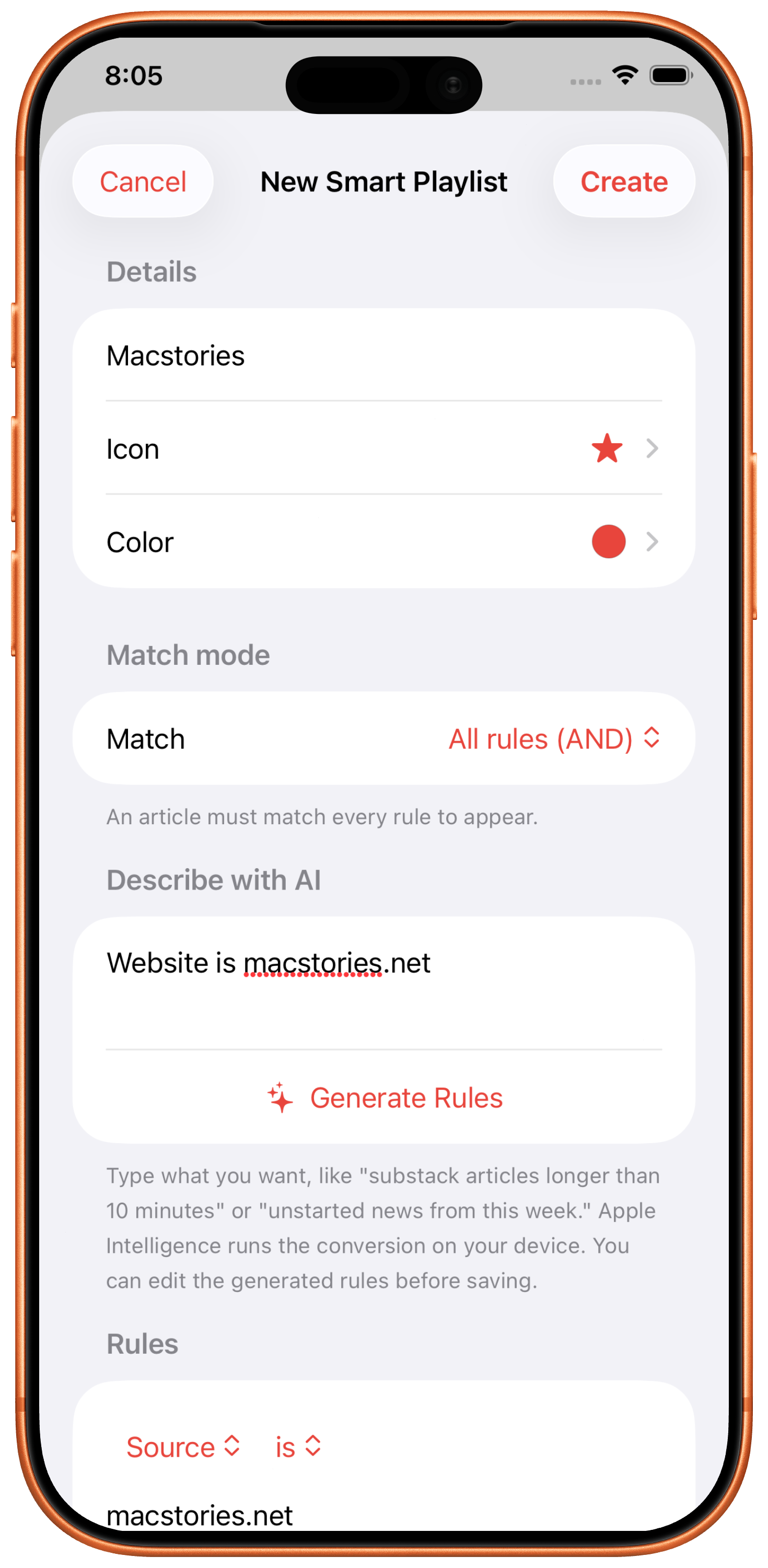
Five built-in views that update themselves: Today, Quick Listens (under 10 min), Long Reads (20+ min), Recently Played, and Unstarted. Time-budget-driven browsing - "I have five minutes before this meeting" finds the right thing without you scrolling.
Build your own with a rule editor: by source, by length, by recency, combined any way you want. Or just describe what you want in plain English - Readio's on-device language model writes the rules for you. No API key, no cloud round-trip, no model file to download.
Share a great line, instantly
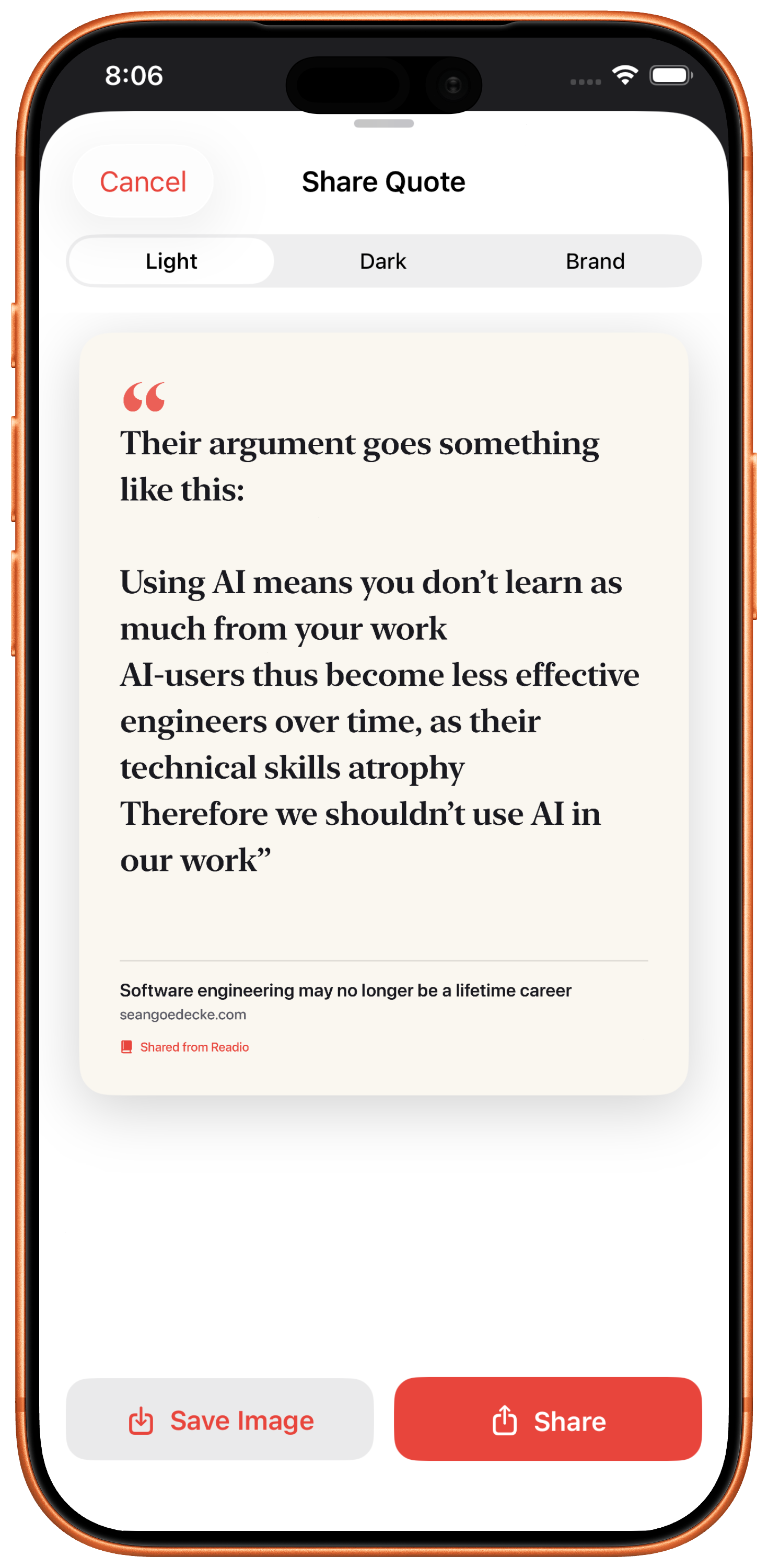
Hit a line that stuck with you? Long-press to select, tap Share, and Readio renders a clean image of the quote with the source and a subtle watermark. Save it to Photos, send it to a friend, drop it in Notes - it's just an image, do what you want with it.
It's the feature Spotify added to music and Kindle added to books. Articles deserved it too.
What Readio does not do
Who it's for
Power readers who already have a pile of bookmarks, already pay for the iPhone, already have AirPods - and don't want to rent a fifth subscription to turn text into sound.
Get Readio on the App StoreBuilt by J - Swift 6, SwiftUI, SwiftData, AVSpeechSynthesizer. Zero third-party dependencies except SwiftSoup for HTML parsing.