Throw it in.
Find it later.
Your iPhone has a thousand screenshots. The OTP, the parking spot, the auto driver's address, the kid's exam result, the prescription you snapped before the chemist closed. Photos saves them. Junk Drawer makes them findable.
Download on the App StoreEvery iPhone has a thousand screenshots. Most are garbage. A few are gold - the parking spot you took at the airport, the OTP from the bank you never quite memorized, the auto driver's address scrawled on a note your friend texted, the kid's exam result you sent your spouse and immediately lost.
The problem isn't saving them. Photos already does that. The problem is finding them. Three months later, when you actually need that prescription, you scroll through a thousand thumbnails of memes, restaurant bills, and accidental lock-screens, and you still can't find it.
So I built Junk Drawer - a parallel index over your Screenshots album that runs entirely on your device. Share a screenshot to it (or let it auto-import) and it does the work: OCRs the text, classifies what it is, writes a one-line summary, and pulls out the bits you'll actually act on.
No account. No cloud. No analytics. Built by one person, because nothing else solved my own pile.
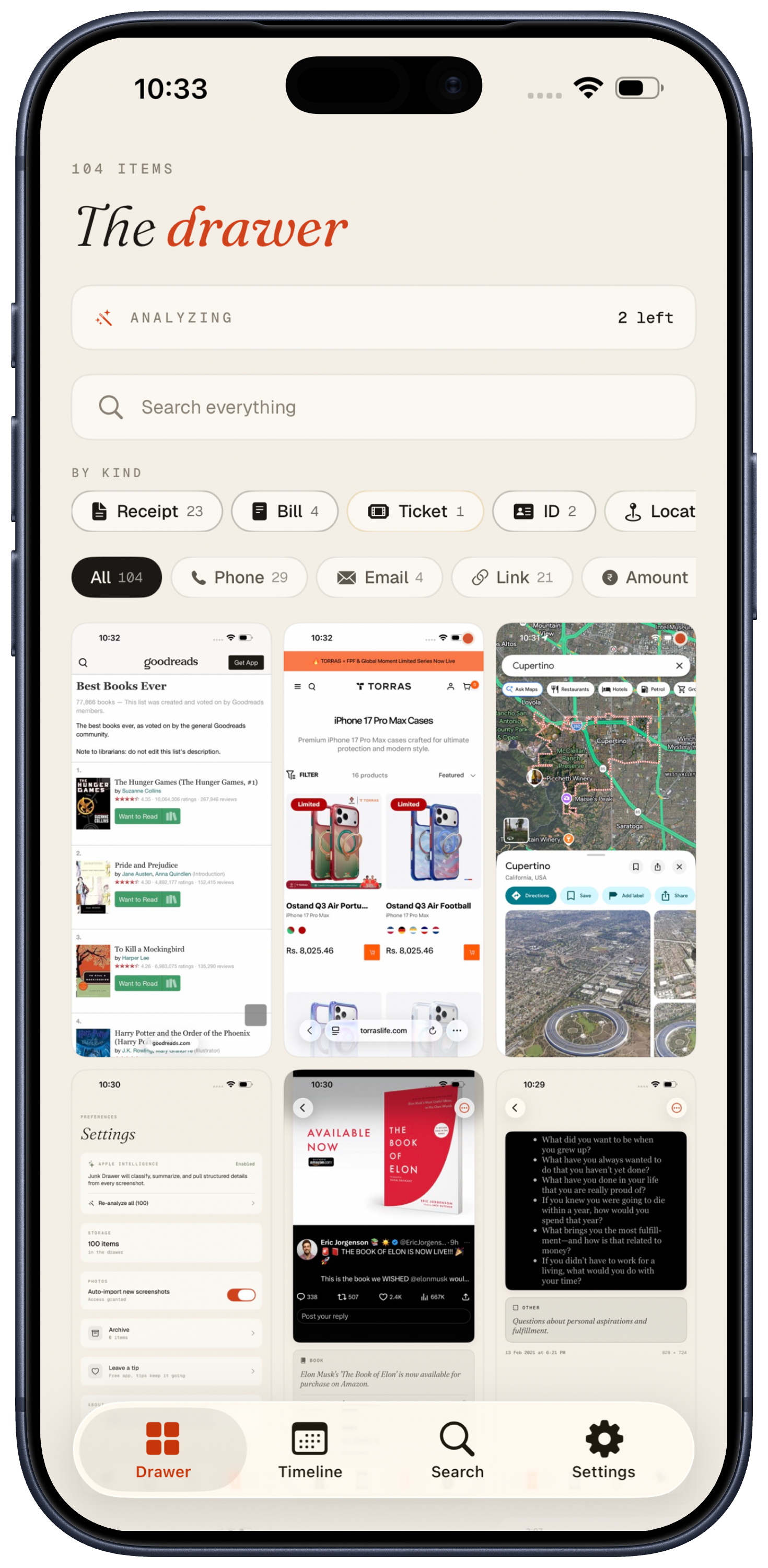
Everything you've thrown in, in one drawer.
The home screen is the drawer itself - every screenshot you've fed it, in capture-date order. Filter by kind from the chip strip on top: receipts, prescriptions, tickets, contacts, payments, more. A small accent dot tells you which screenshots are still being analyzed. No fake completeness.
Tap any thumbnail for the full picture: the OCR text, the AI's one-line summary, the structured fields, every entity pill. Long-press to enter selection mode and bulk-archive or bulk-delete.
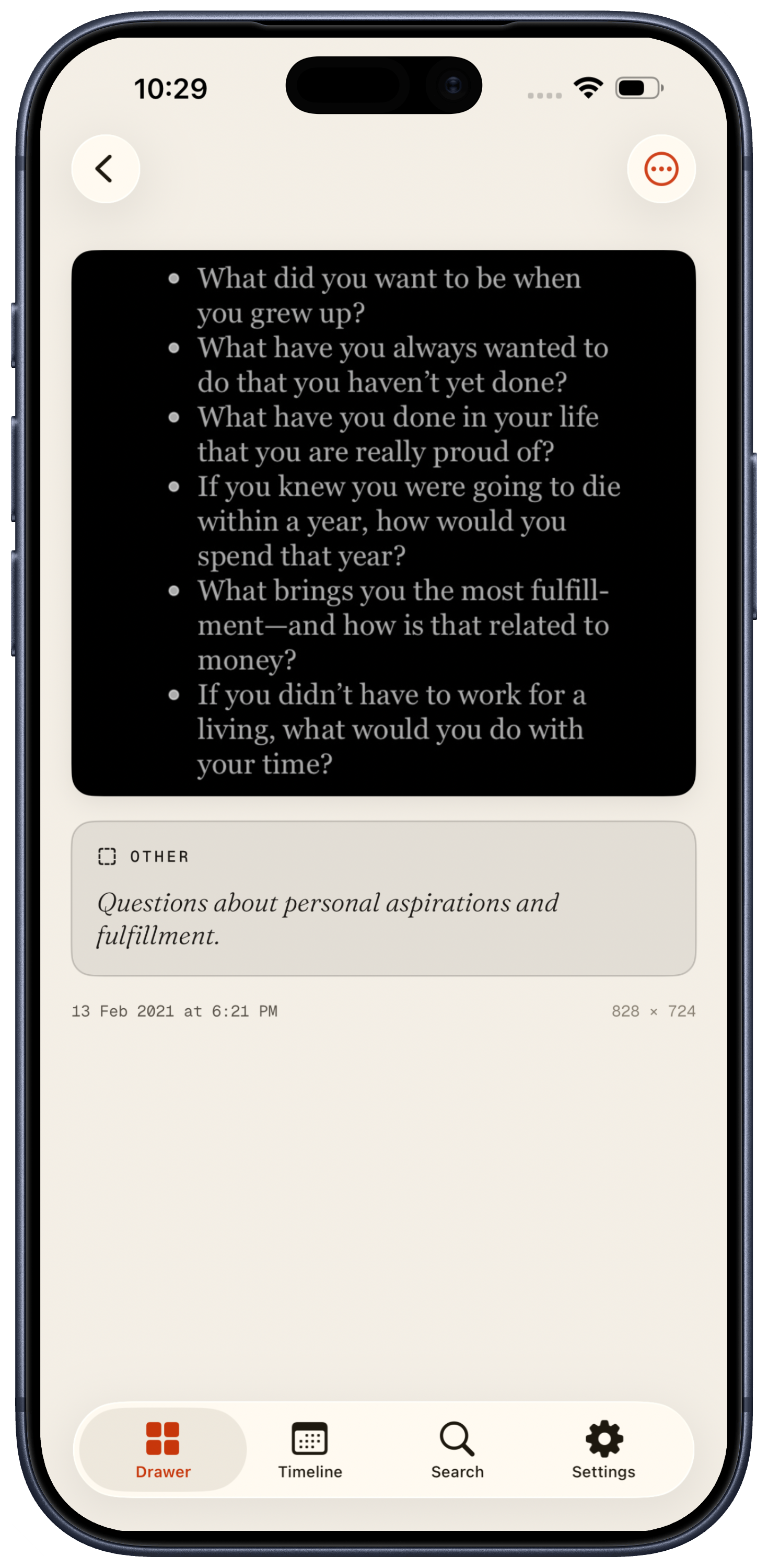
What's in this screenshot, in seconds.
Apple Intelligence reads the screenshot like a person would. It tells you what kind of thing it is, writes a one-line summary so you can skim a hundred screenshots without opening any, and surfaces the structured bits - phone numbers, OTPs, ₹ amounts, dates, addresses, UPI handles, IFSC codes, dosages, tracking numbers - as tappable pills.
One tap to call the number, copy the OTP, open the address in Maps, copy the total. The information was always sitting in your screenshot. We just made it cost zero seconds to use.
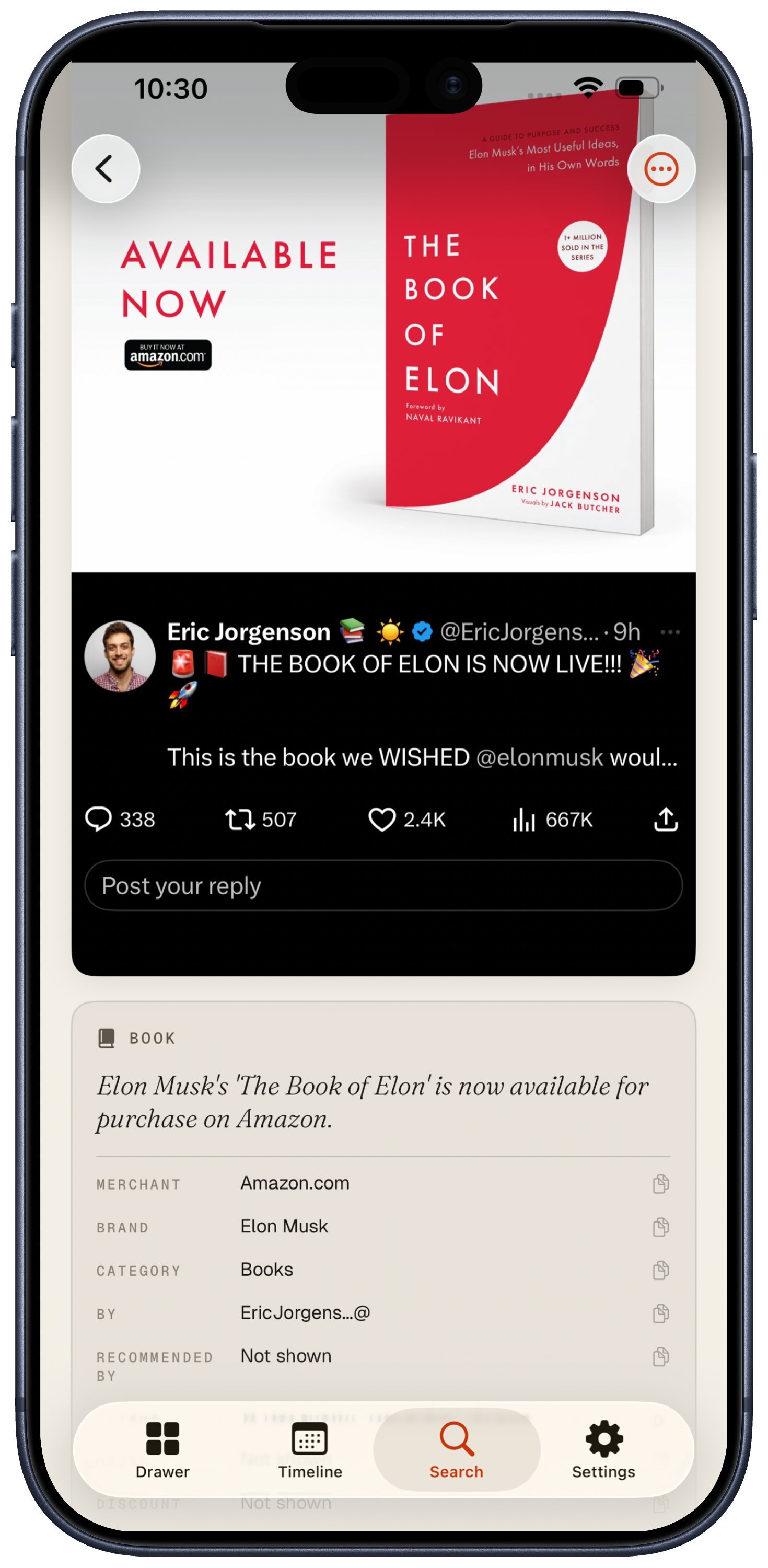
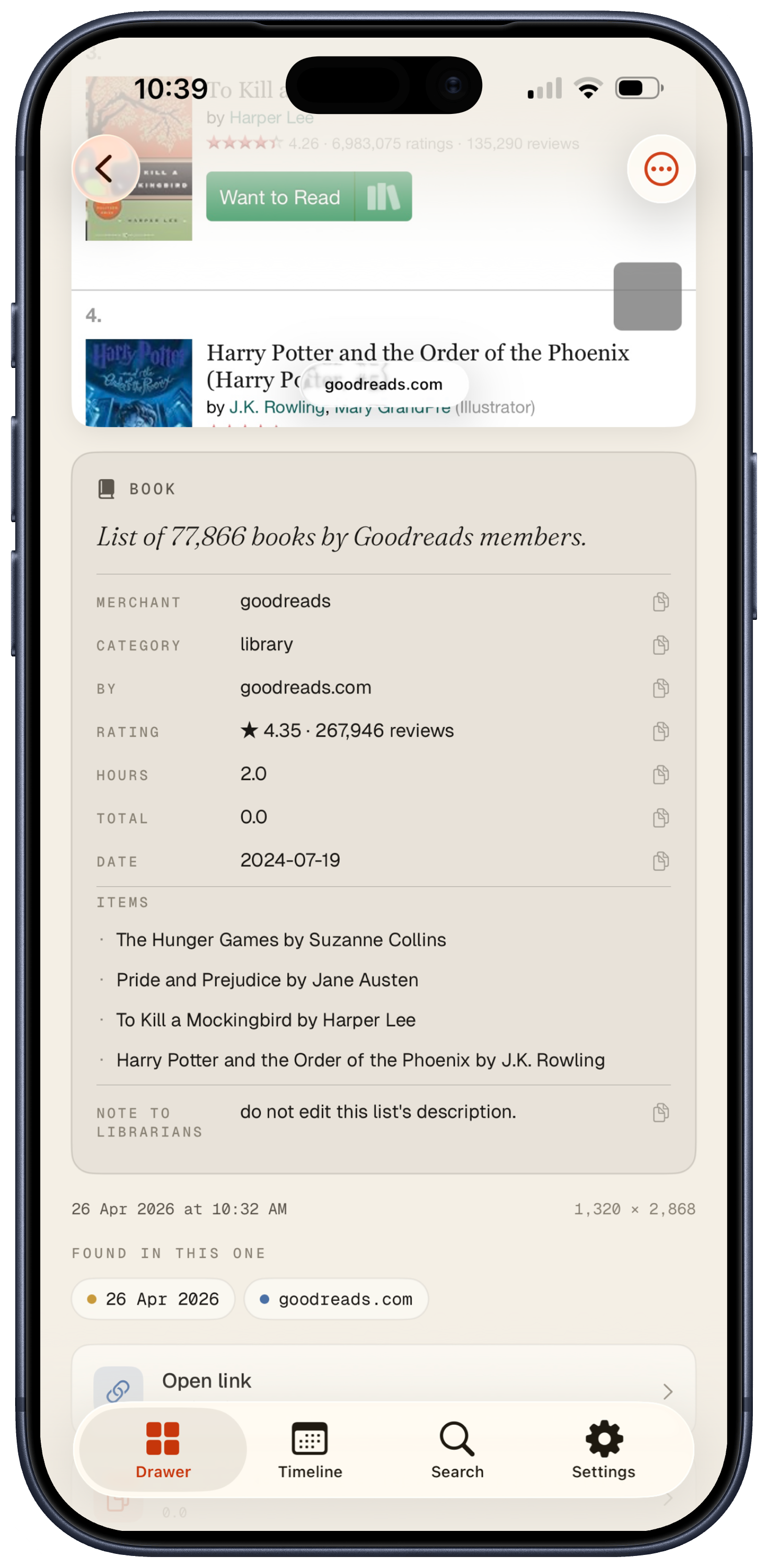
Bills, prescriptions, exam results - all parsed.
A pizza bill becomes a merchant + total + line items. A prescription becomes drug + dosage + prescriber + date. A board exam result becomes the candidate + assessment + scores per subject. Same drawer, same search, different structured output for each shape.
Domain-aware where it matters. ₹ amounts format in lakhs and crores when they should. UPI handles aren't treated as broken email addresses. Phone numbers in +91 format pretty-print correctly without you doing anything.
"Type biryani and find that Swiggy bill. Type ₹440 and find the receipt. Type diabetes meds and find the prescription that says Metformin - without ever using the word 'diabetes'."
Search that actually understands.
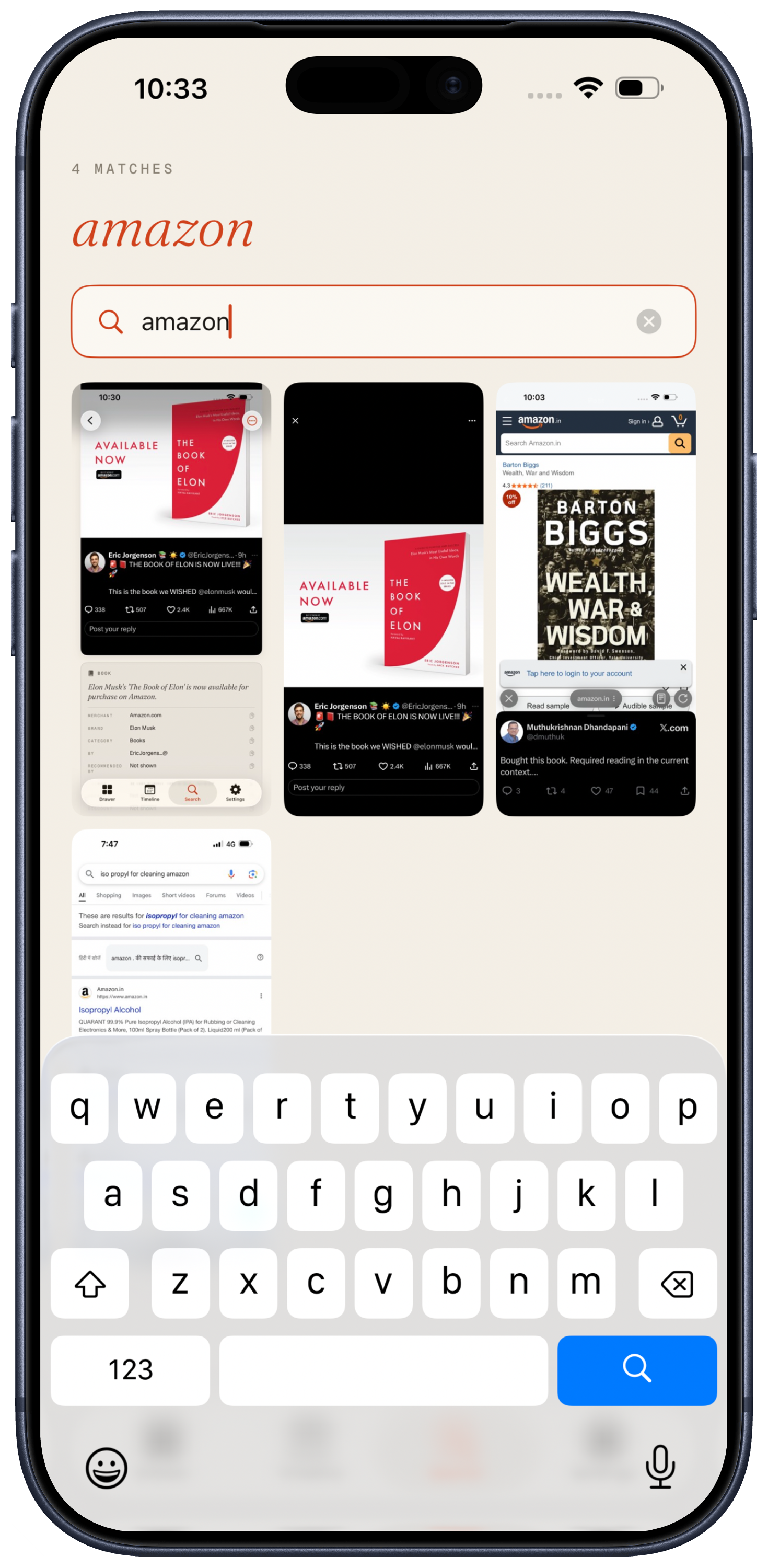
Three layers, one query. Full-text matches words inside the image. Semantic matches the meaning, using on-device sentence embeddings. Visual labels match what the image looks like - type "bird" and find the bird photo with no caption at all.
You don't pick a mode. You just type. Type a merchant, a doctor's name, a part number, an amount, the vibe of what you remember. The right screenshot surfaces.
Share sheet, or auto-import. Your call.
From anywhere - Photos, a website, a chat, a screenshot you just took - tap Share → Junk Drawer. Bottom sheet shows what we found, you tap "Dump it", done. Bulk shares of 30 photos work the same way. Share a URL from Safari and it lands as a saved link, searchable by host or title - same drawer, no separate bookmark manager.
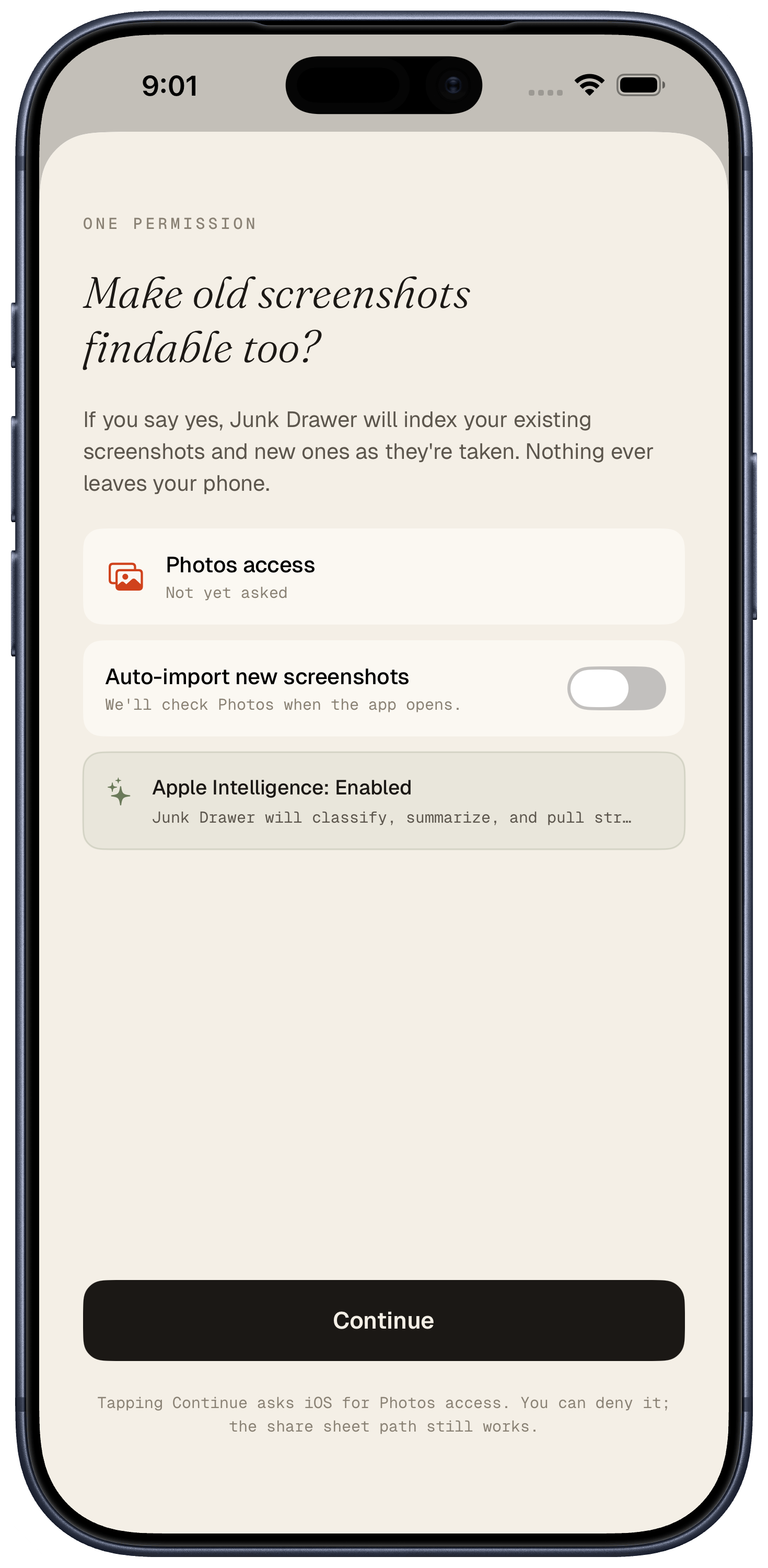
Or grant Photos permission once and let auto-import do its thing - every new screenshot gets indexed quietly in the background. Either path. Both paths. Whatever fits.
Find your drawer from anywhere on iOS.
Junk Drawer doesn't ask you to open it. Every screenshot you've thrown in shows up in the places iOS already searches.
Honest about what's actually running.
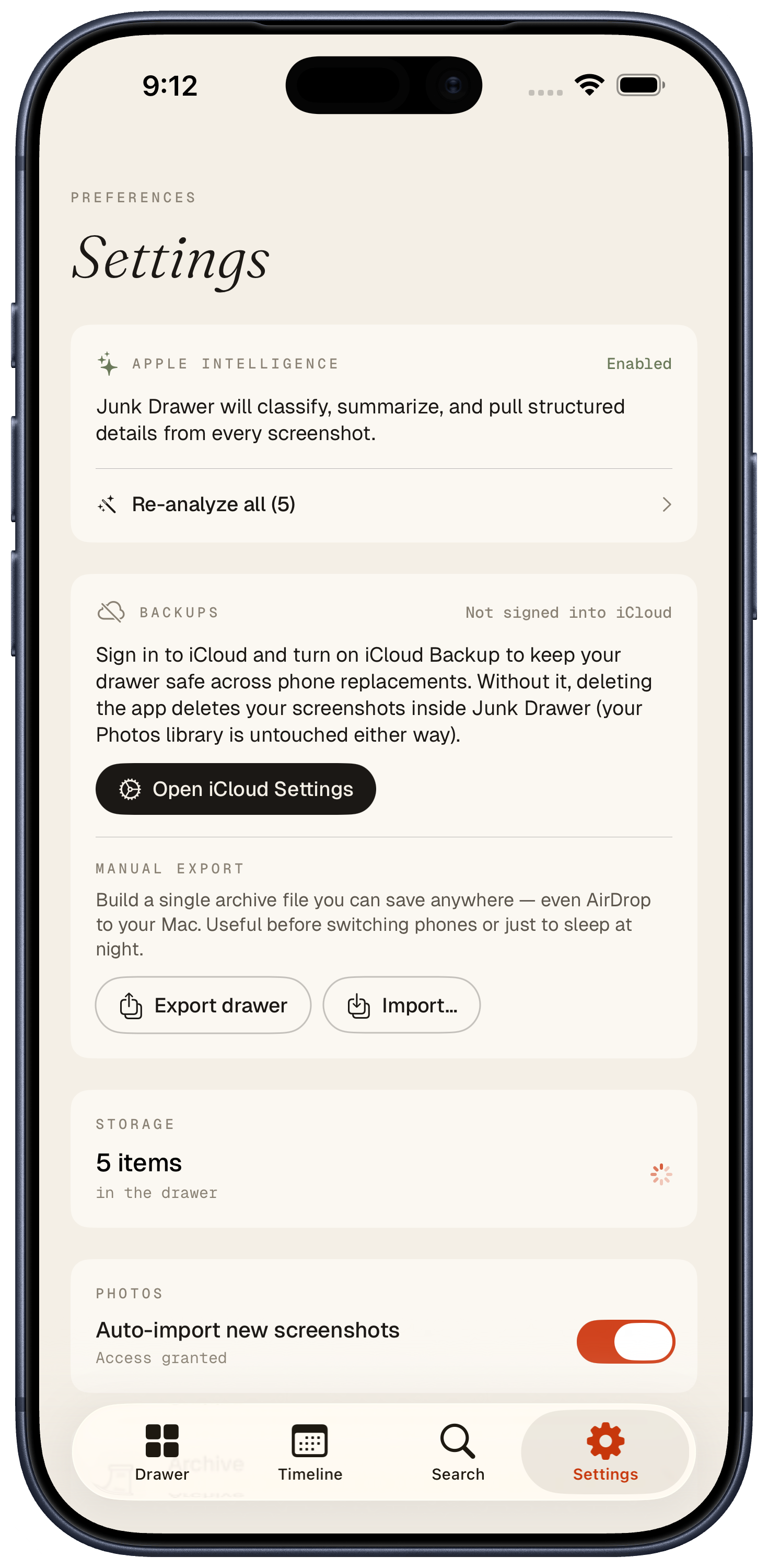
Apple Intelligence has cold-start latency, isn't on every device, and can be turned off in Settings. Junk Drawer doesn't lie about any of this. The Settings panel tells you exactly which features are running, which aren't, and how to fix it.
If iCloud Backup is on, your drawer rides to your next iPhone automatically — the local database and image cache are in Documents, so iOS already takes care of it. No separate sync surface to babysit.
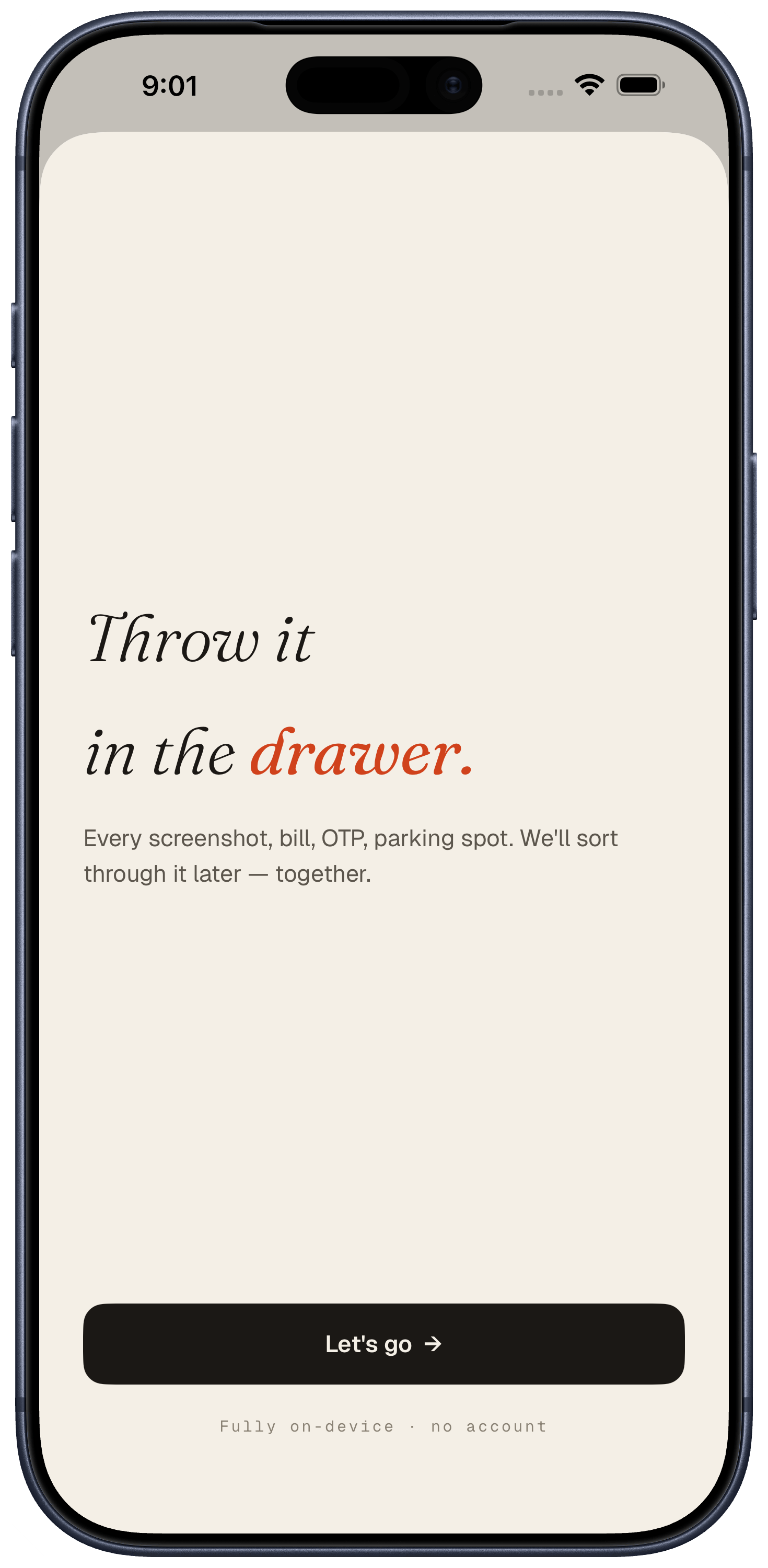
The pitch, in one screen.
One welcome. One permission. No tutorials, no onboarding carousels, no "let us tell you about all our features" tour. The app does the talking once you start using it.
Free forever, with an optional tip jar inside for anyone who wants to chip in. No subscription, no upsell, no "pro" tier hiding the good features.
What Junk Drawer does not do
Built for the screenshot pile you already have.
Apple Intelligence required for full features (iPhone 15 Pro or later, iOS 26 recommended). Without it, full-text search and entity extraction still work on every screenshot.
Get JunkDrawer on the App StoreBuilt by J - Swift 6, SwiftUI, GRDB, Apple Foundation Models, Vision, Natural Language. Designed in warm paper because the rest of iOS is already so cold.